
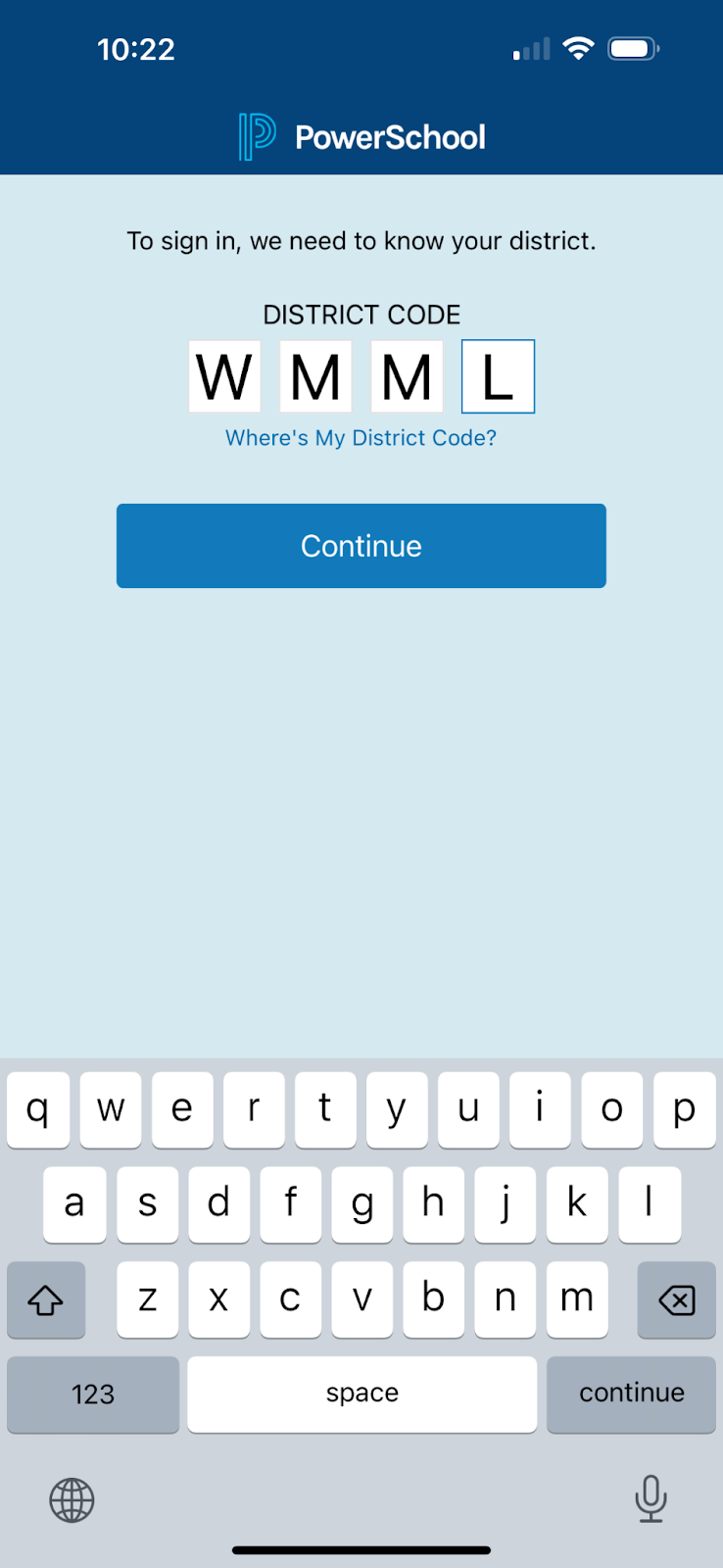
Tap the app to open, enter WMML for school code.
Tap Continue.
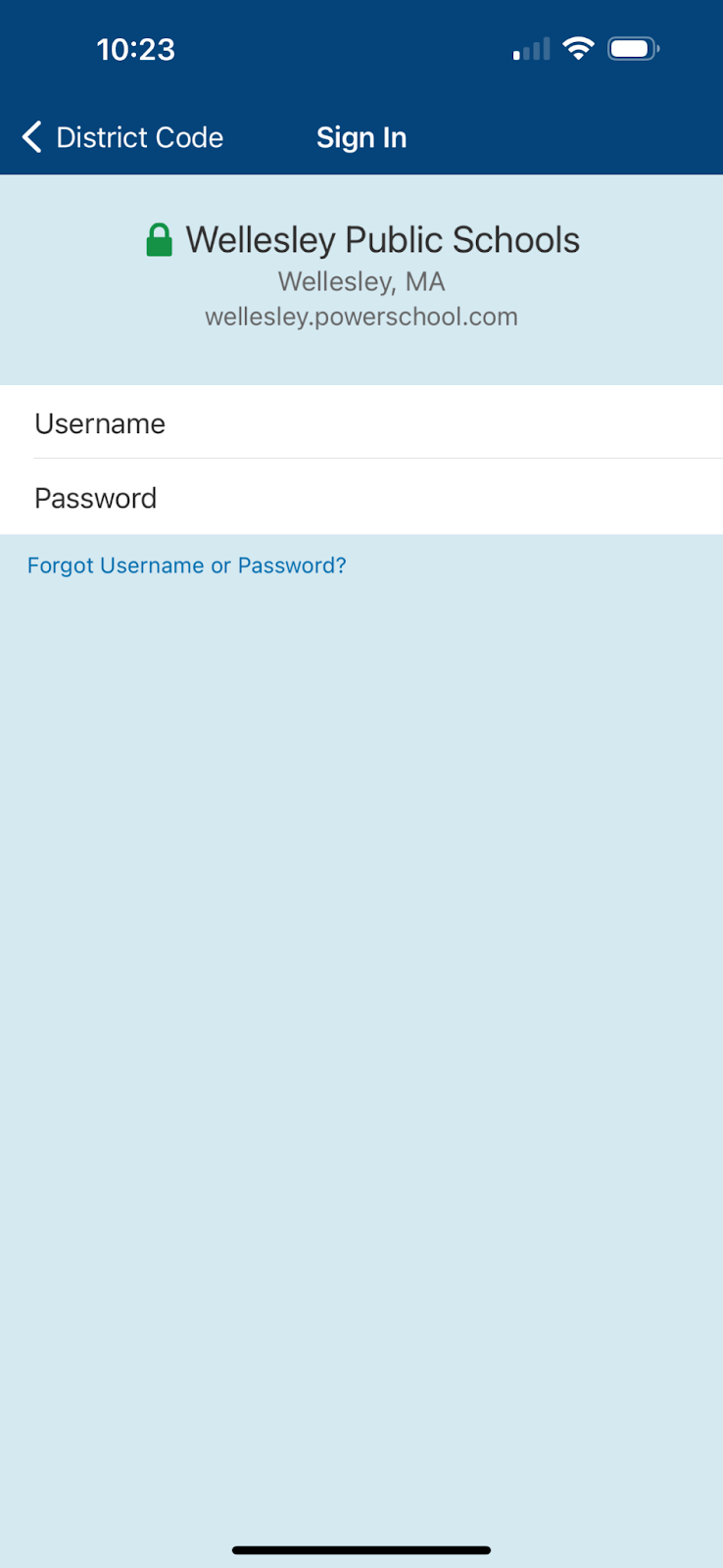
1. Login to your PowerSchool Parent Portal account
2. Select your student from the top right drop-down menu
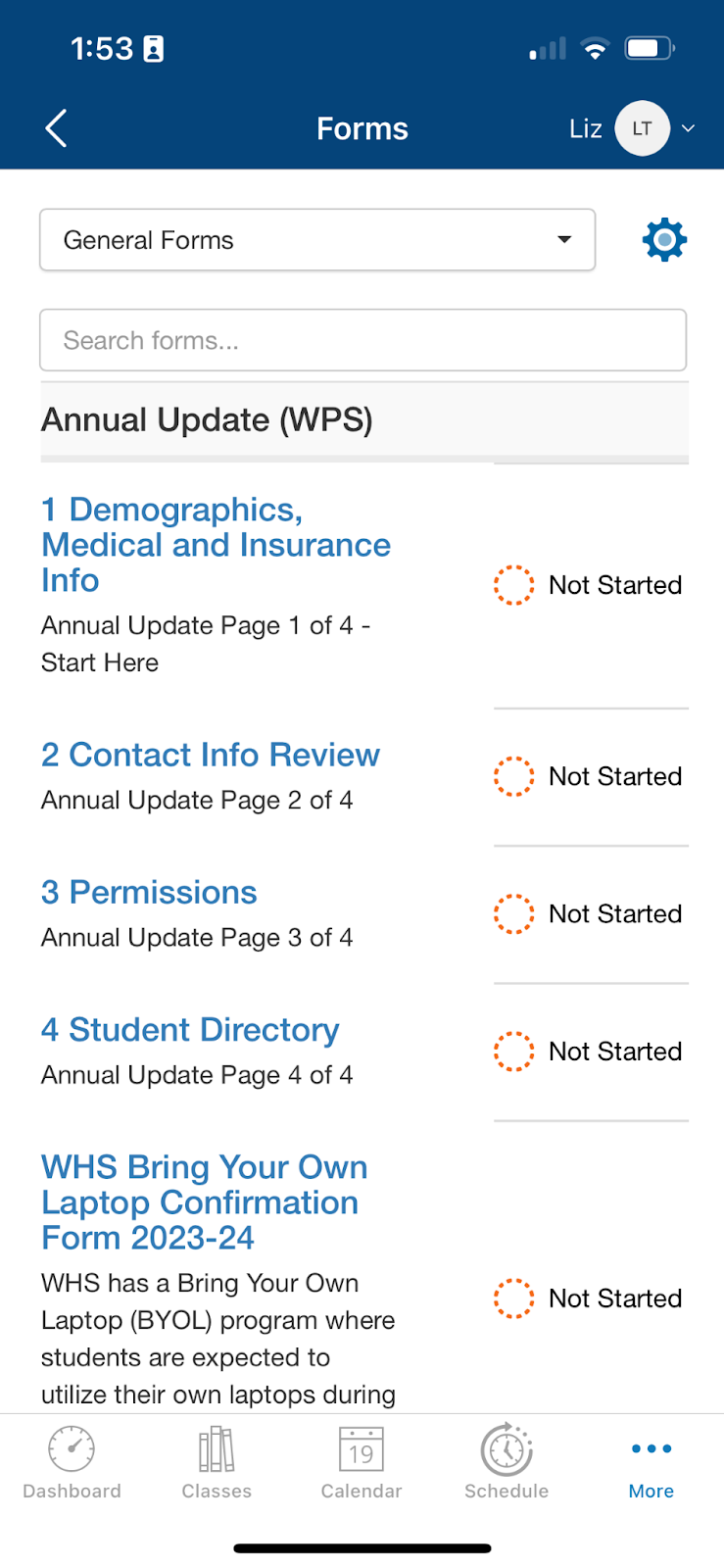
Click “More� in the bottom right corner

3. Select Forms

4. Open and fill out all 4 “Annual Update� forms
5. Complete the forms by filling out all required fields, typing your signature/date, and clicking “Submit�
